
Know Your Inventory Position
Monitor total inventory value, total items, in-stock items, low-stock items, out-of-stock items, and dead stock. Get a clearer picture of what your business holds and where attention is needed.
Get a clear view of inventory value, stock availability, and every movement across your business.
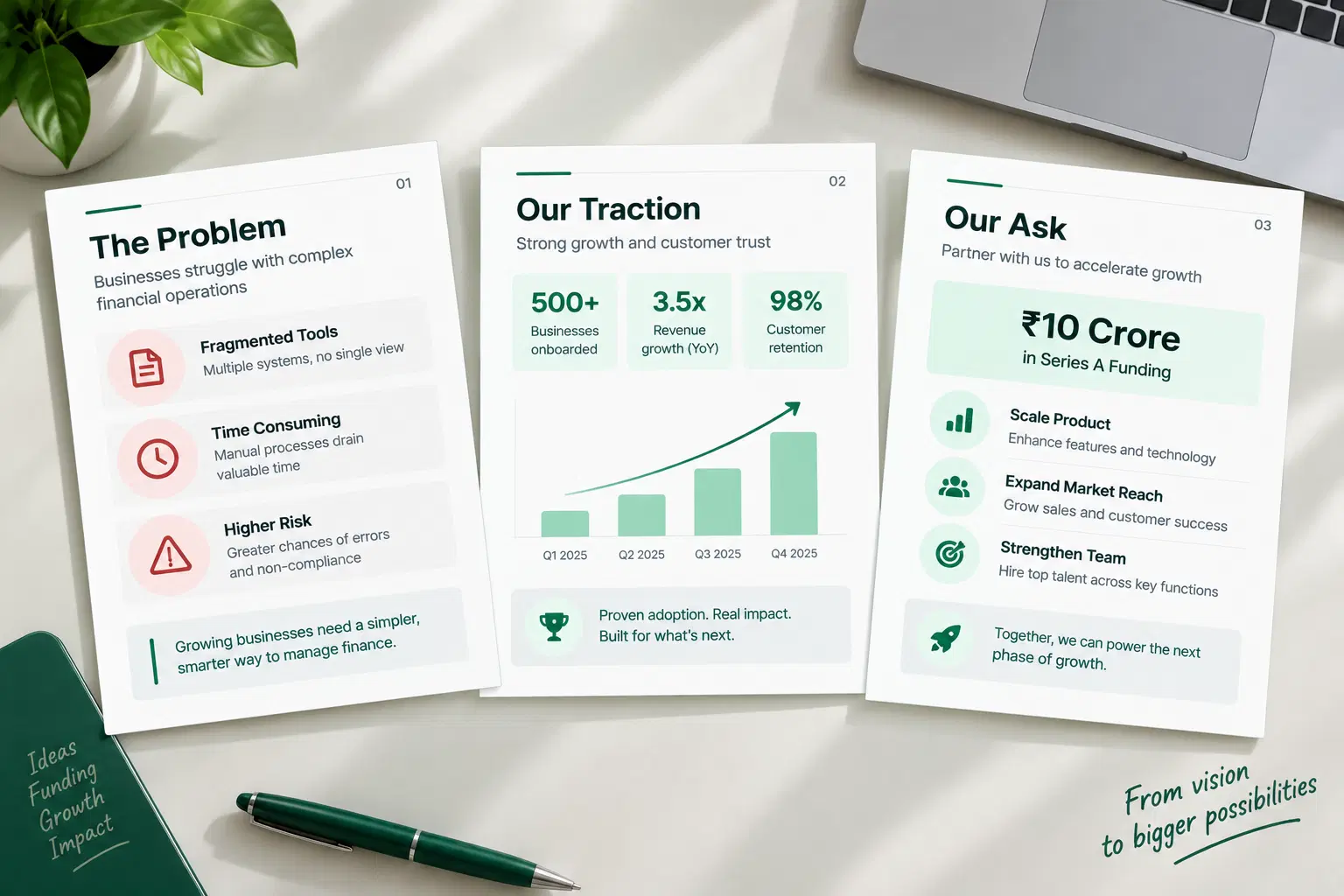
NextBill brings stock status and movement records together to help your team maintain better control.
Monitor total inventory value, total items, in-stock items, low-stock items, out-of-stock items, and dead stock. Get a clearer picture of what your business holds and where attention is needed.
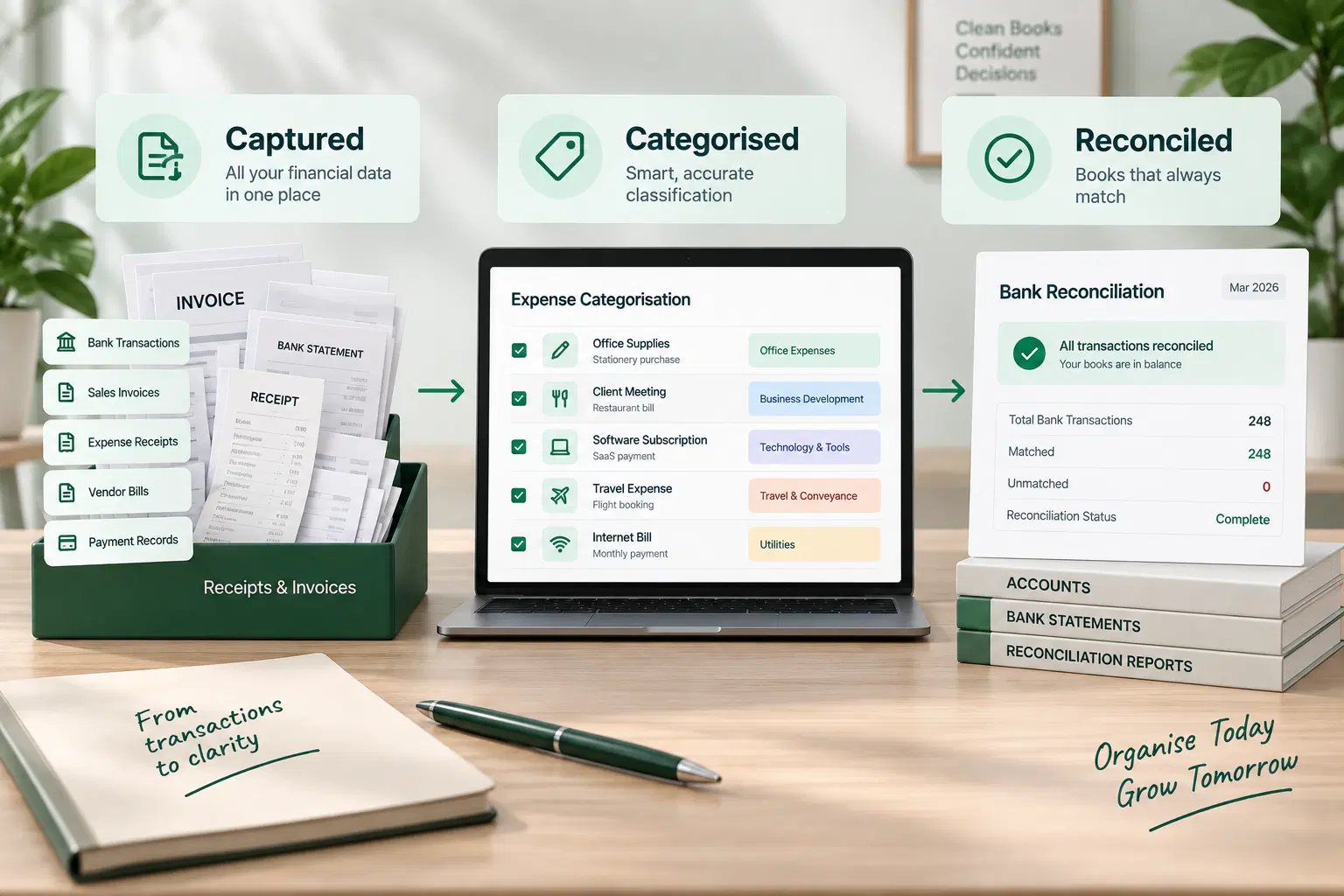
Record incoming stock, deliveries, sales returns, and purchase returns through structured inventory transactions. Review item names, batch numbers, dates, quantities, prices, and invoice references.
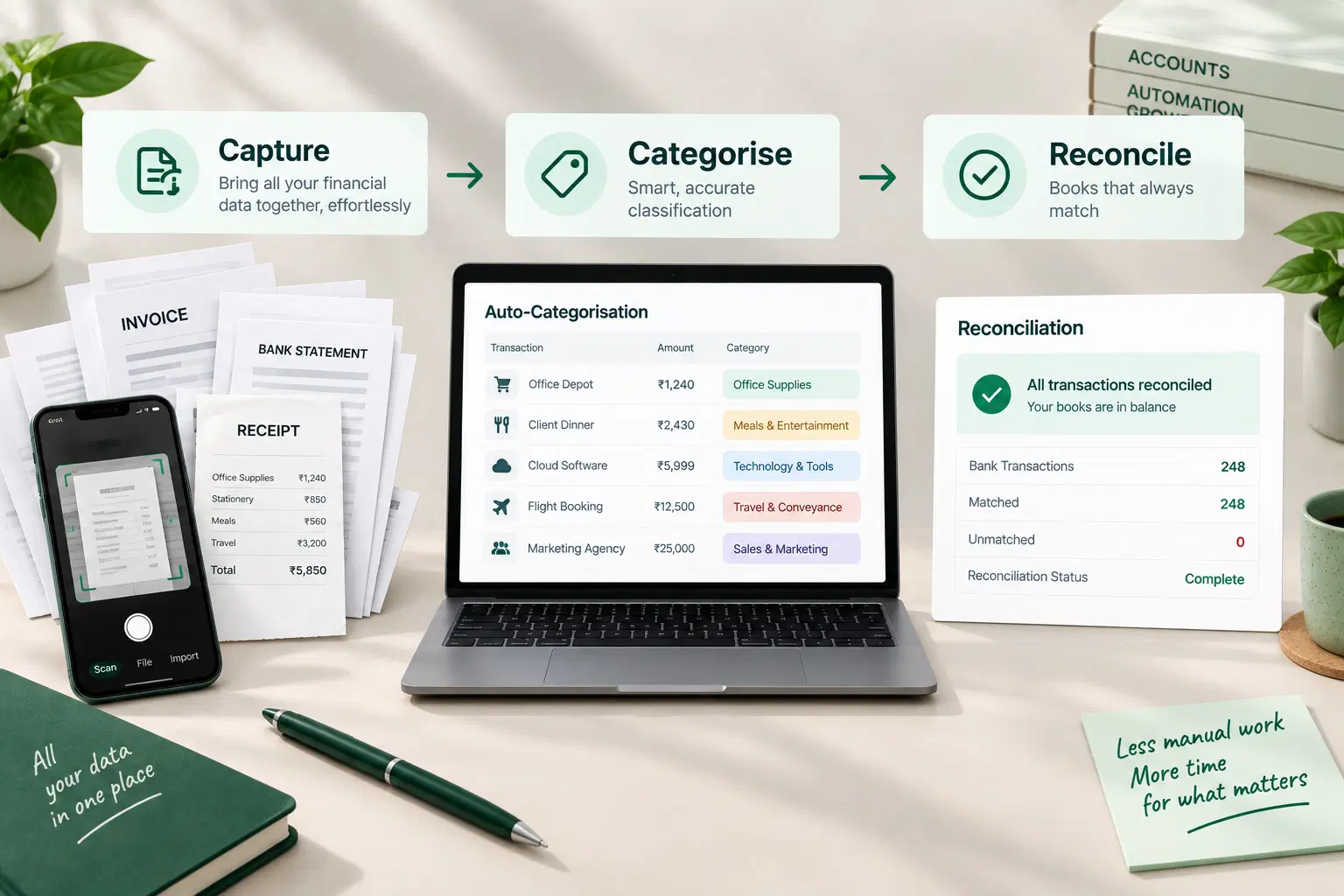
Organise consumption products, recipes, raw materials, and production batches. Track recipe yields, production status, output quantities, and branch details to improve visibility into how materials move through production.
Bring inventory movements, stock availability, and production records into a connected workflow. Give your teams the information they need to manage stock with greater clarity.
Everything you need to track stock in, stock out, batch numbers, and warehouse logistics in real time.
Production and Batch Tracking
Maintain production records with production name, batch, recipe, status, creation date, output quantity, and branch. Give operations and finance teams a clearer view of production activity and its relationship with inventory.
Get DemoRecipe and Raw Material Management
Organise consumption products through recipe records that include recipe name, creation date, base yield, raw materials, cost yield, and source. This helps teams maintain a structured view of the materials and expected output associated with a recipe.
Get DemoLow-Stock and Dead-Stock Monitoring
Monitor low-stock, out-of-stock, and dead-stock categories to identify items that may require replenishment or further review. Stock alerts and minimum-stock thresholds can help teams respond before inventory shortages affect operations.
Get DemoBatch Tracking and Inventory Valuation
Track batch numbers and, where configured, serial IDs and bin locations. NextBill’s published inventory features include FIFO (First-in, First-out) valuation and landed-cost calculations, helping businesses assess inventory value using recorded stock movements and associated costs.
Get Demo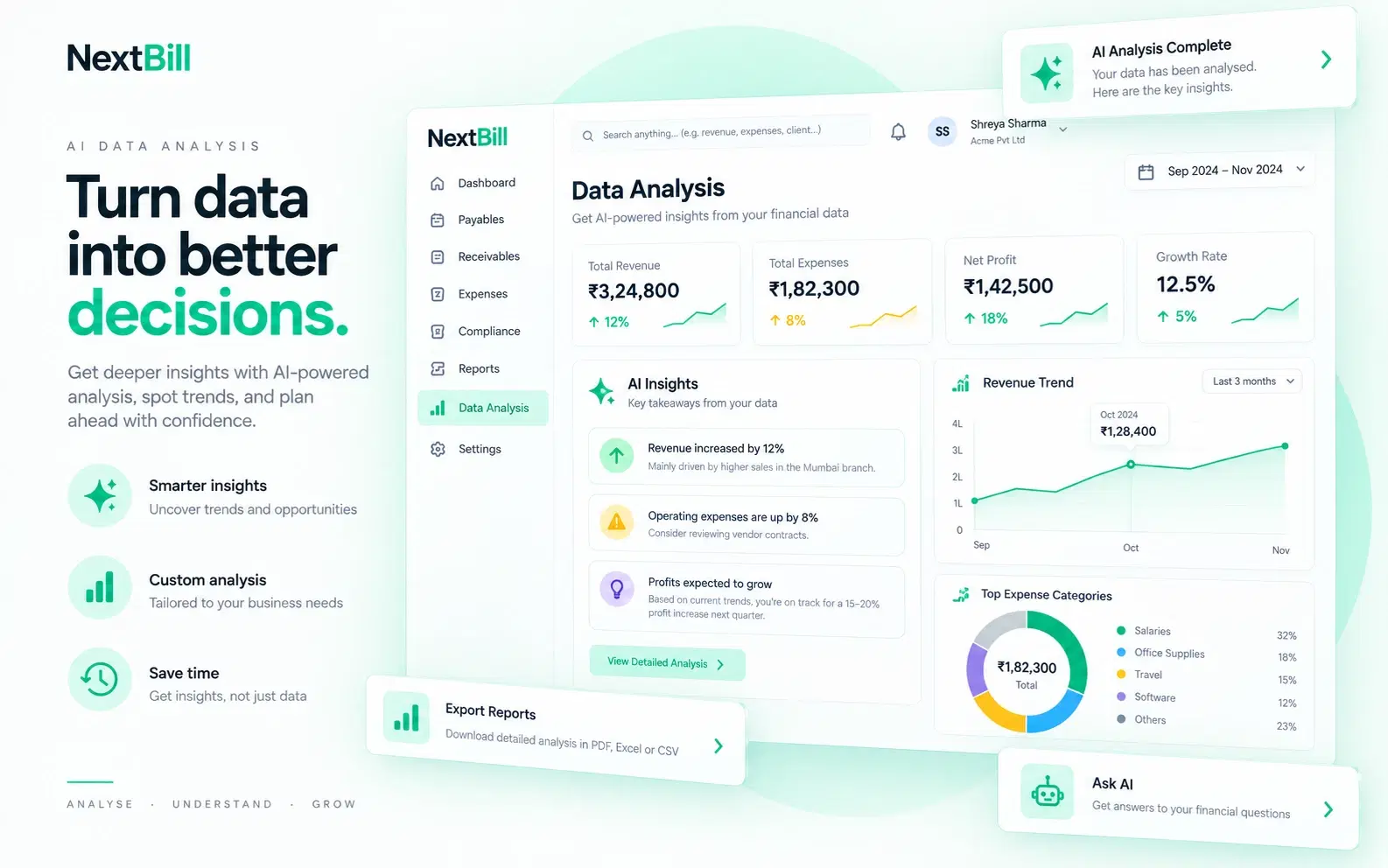
Multi-Location Inventory Management
Track inventory across supported warehouses, branches, and fulfilment locations. NextBill’s inventory management workflow supports different location types, including owned, rented, consignment, and third-party logistics (3PL) locations, helping teams organise stock across their distribution network.
Get Demo
See how NextBill can help your finance and operations teams manage stock records, movement, and valuation in one workflow.
Quick answers to common questions about NextBill inventory tracking.
NextBill records inward stock movements through Stock In Notes, Purchase Received Notes, and Sales Returns. Outward movements are recorded through Stock Out Notes, Delivery Challans, and Purchase Returns. These inventory transaction records help businesses track stock movement, quantities, and related references across operations.
Let NextBill’s AI engine handle your ledger while you focus on scaling your enterprise.